Smartphone Privacy Checklist: 10 Settings You Should Change Immediately
Stop mobile apps from tracking your location and data. Change these 10 critical iOS and Android privacy settings right now to protect your identity.
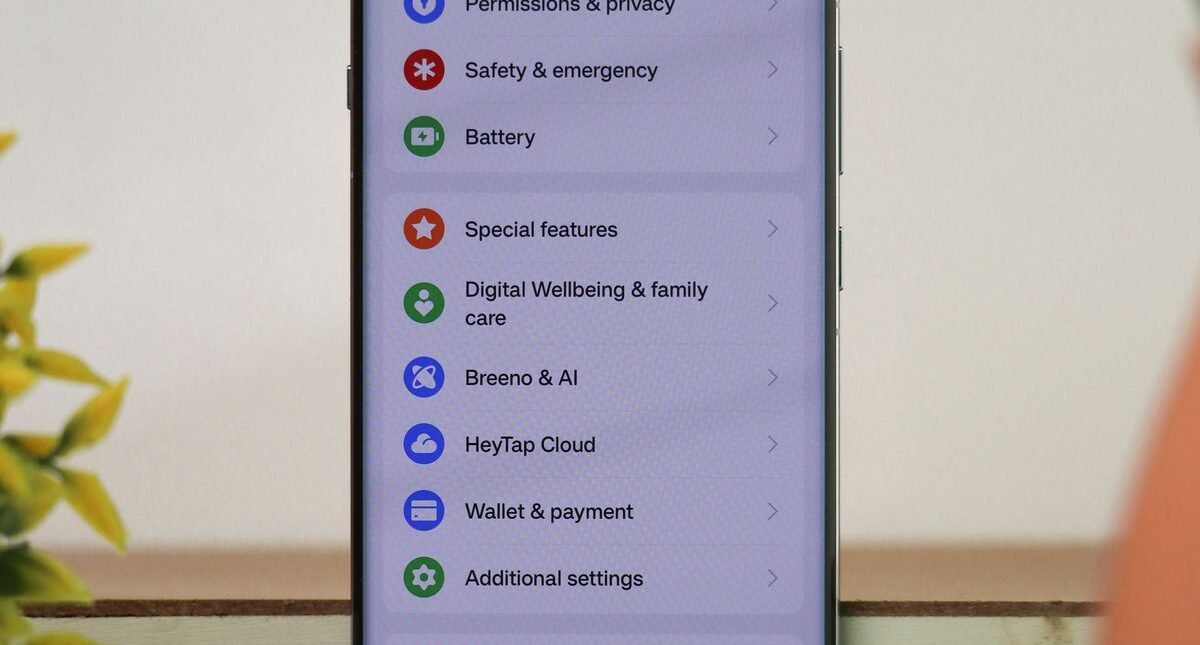
Smartphones contain our most intimate personal data—real-time GPS locations, private photos, financial wallets, and communication histories. Default manufacturer settings prioritize ad tracking and analytics over privacy. Taking 10 minutes to audit these settings locks down your digital life.

Reclaiming Your Mobile Privacy
Mobile advertising frameworks track your movement across physical stores and digital apps to construct detailed commercial profiles. Revoking unnecessary system permissions stops this silent data harvesting without breaking core phone features.
10 Critical Privacy Tweaks
- Disable Ad Tracking: Turn off ‘Allow Apps to Request to Track’ on iOS and reset/delete your Advertising ID on Android.
- Audit Background Location Services: Set location permissions to ‘While Using App’ or ‘Never’, and revoke ‘Precise Location’ for shopping apps.
- Revoke Microphone and Camera Access: Ensure only dedicated calling and camera apps have access to your optical sensors.
- Turn Off Bluetooth and Wi-Fi Scanning: Prevent background beacon tracking when walking through shopping malls and airports.
- Disable Lock Screen Notification Previews: Prevent bystanders from reading private 2FA codes and text messages on your lock screen.
- Enable Encrypted DNS (DoH): Configure NextDNS or Cloudflare 1.1.1.1 to encrypt DNS lookups away from mobile carriers.
- Review Cloud Backup Encryption: Turn on Apple Advanced Data Protection for end-to-end encrypted iCloud backups.
- Clear Sensitive App Cache: Regularly delete tracking cookies and location cache inside social media web browsers.
Conclusion
Restricting app permissions gives you full ownership over your personal data without sacrificing smartphone convenience.