Home Network Security: How to Configure Firewalls, DNS-over-HTTPS, and VLANs
Lock down your home Wi-Fi against cyber intruders. Step-by-step guide to configuring secure router firewalls, encrypted DNS, and IoT guest isolation.
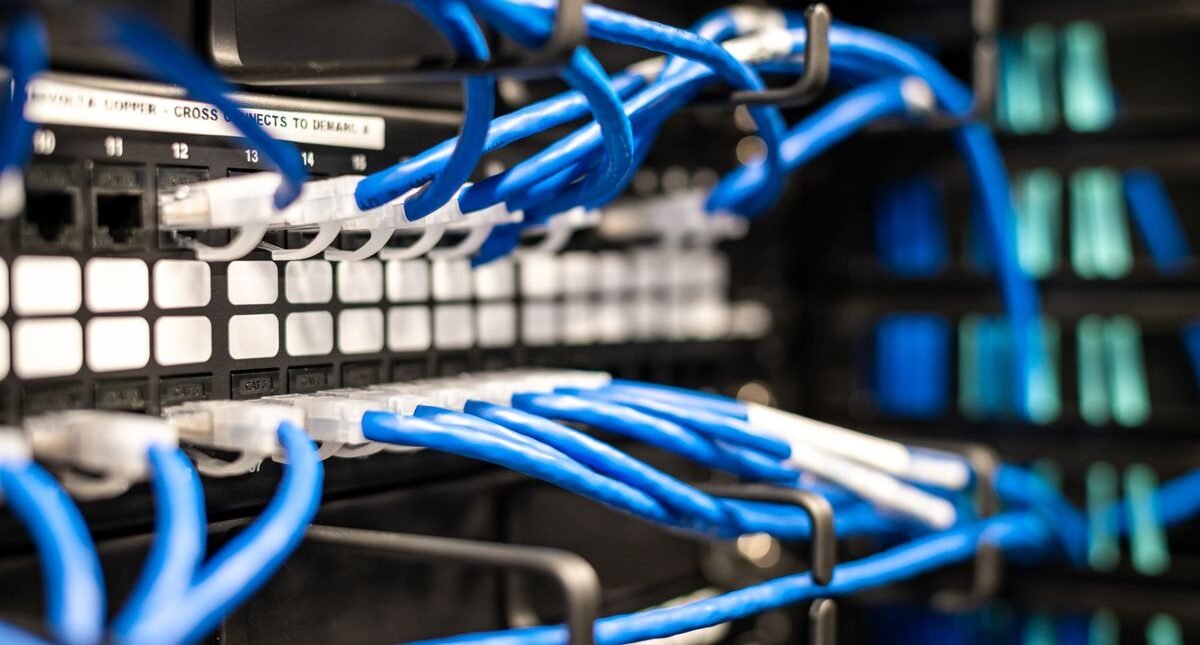
With hundreds of untrusted smart home gadgets (smart TVs, vacuum robots, IP security cameras) sharing your home Wi-Fi network, an unsecured router is an open gateway for hackers to snoop on laptops and workstations. Hardening your router protects your entire household.
The Peril of Flat Home Networks
Most households run a ‘flat’ network where cheap smart lightbulbs share the exact same subnet as work laptops and network-attached storage servers. If a smart bulb has an unpatched vulnerability, an attacker can pivot across the network to access sensitive PCs.
Essential Network Hardening Actions
- Isolate Smart Devices on a Guest Network / VLAN: Move all IoT gadgets to a separate subnet that cannot communicate with your personal computers.
- Enable DNS-over-HTTPS (DoH) / DNS-over-TLS: Encrypt all DNS domain queries using Cloudflare (1.1.1.1) or NextDNS to block ISP snooping and malware domains.
- Disable UPnP (Universal Plug and Play): UPnP allows malware on internal devices to open inbound firewall ports to the internet without your consent.
- Change Default Admin Credentials & Disable Remote WAN Access: Ensure router management is only accessible via physical ethernet cable or trusted local Wi-Fi.
Conclusion
Segmenting your home network and encrypting DNS queries turns an insecure consumer Wi-Fi setup into an enterprise-grade cyber sanctuary.