The Ultimate Ergonomic Desk Setup Guide for Remote Workers
Protect your back and neck while working from home. A complete ergonomic workstation guide covering chair lumbar, monitor height, and split keyboards.
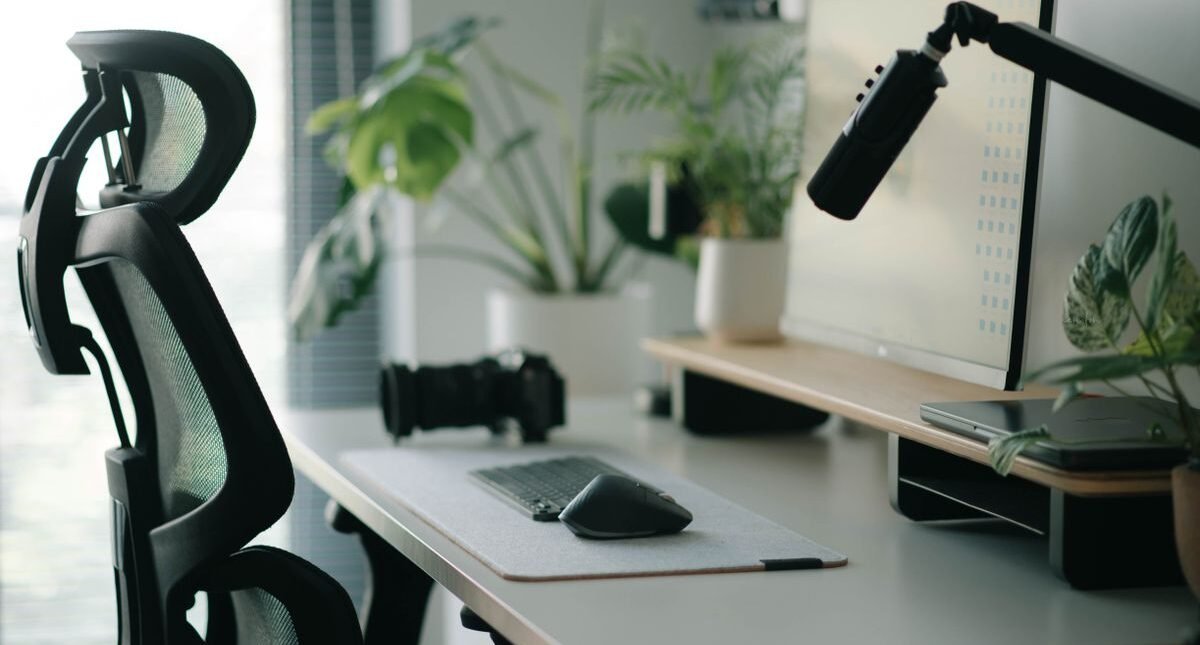
Spending 8 to 10 hours daily hunched over a laptop on a kitchen chair inevitably causes chronic neck stiffness, carpal tunnel syndrome, and lower back fatigue. Setting up an ergonomically sound home office is the single best physical investment any remote professional can make.

The Ergonomic Golden Ratio
Proper workstation ergonomics revolves around maintaining neutral body angles: knees at 90 degrees, feet flat on the floor, elbows resting naturally at desk level, and eye level aligned with the top third of your computer display.
Essential Gear for Physical Longevity
- Motorized Standing Desk: Alternating between sitting and standing every 60 minutes keeps blood circulating and prevents lethargy.
- Ergonomic Task Chair with Lumbar Support: Chairs like the Herman Miller Aeron or Steelcase Gesture support your spine through active posture changes.
- Adjustable Monitor Arm: Floating your screen allows micro-adjustments to eliminate forward head tilt and neck compression.
- Split Ergonomic Keyboard: Positioning key clusters shoulder-width apart keeps your wrists straight, preventing ulnar nerve pinching.
Conclusion
Investing in ergonomic hardware eliminates chronic physical fatigue, ensuring you finish each workday feeling energized.